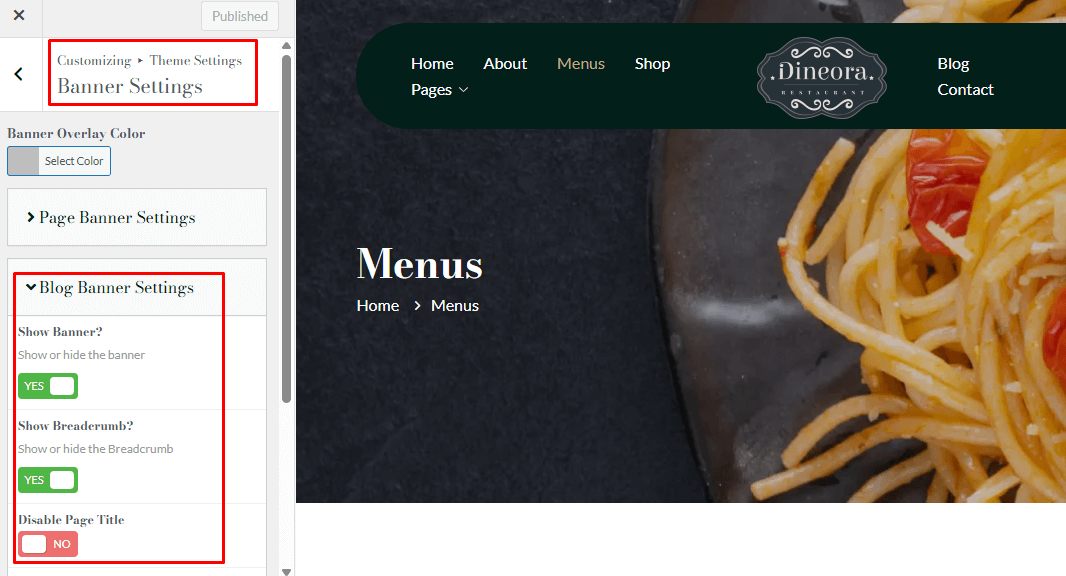
You can change the banner for all pages, specific pages, blog pages, or shop pages through the Theme Settings.
- Go to Theme Settings → Banner Settings.
- Choose the banner type you want to edit:
- Pages Banner Settings
- Blog Banner Settings
- Shop Banner Settings
- Click on the banner you want to edit.
- An option will open where you can:
You can edit the banner title, banner Image. Also, disable the breadcrumb or banner for the pages. - Once done, click Save/Update to apply your changes.
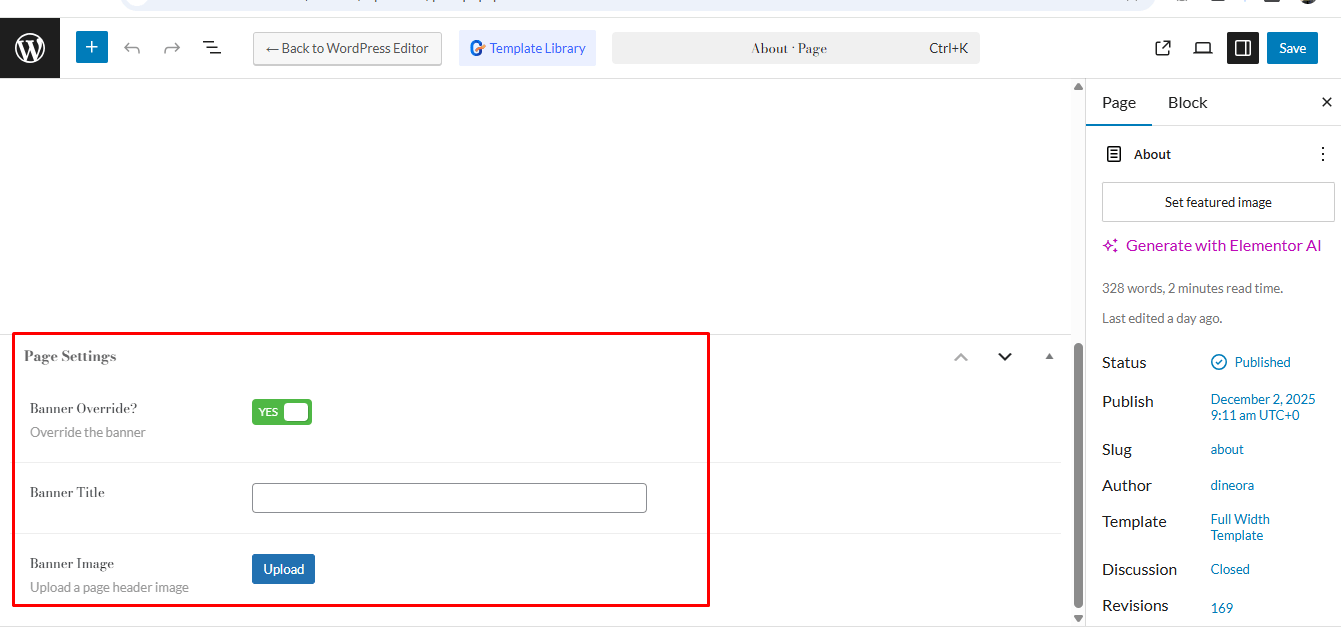
Banner Change for a Specific Page #
Banners changed from Theme Settings to apply globally to all pages. To change the banner for a specific page, you need to edit that page and update its Page Banner Settings.
- Edit the page and go to Page Banner Settings.
- Update the image and title, or disable the banner/breadcrumb.
- Save/Update the page.