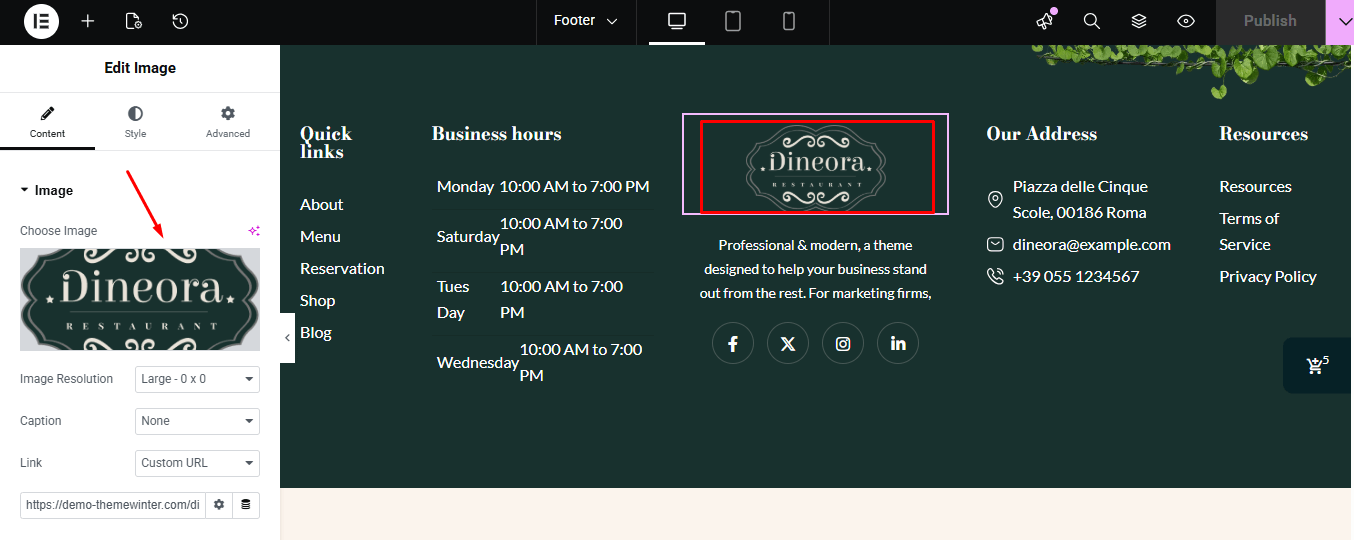
In Dineora, the Elementskit plugin is used for both the header and footer. You can customize them directly through Elementskit.
Customizing the Header #
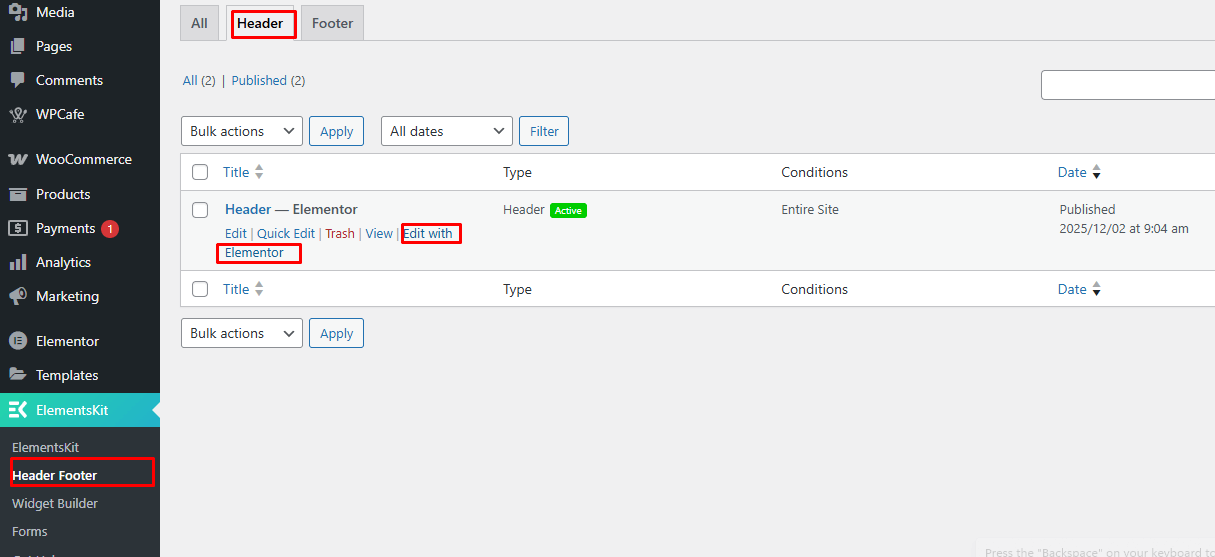
- Go to the Elementskit Header & Footer settings in your WordPress dashboard.
- Click on the Header tab.
- Select the header you want to edit and click Edit with Elementor.
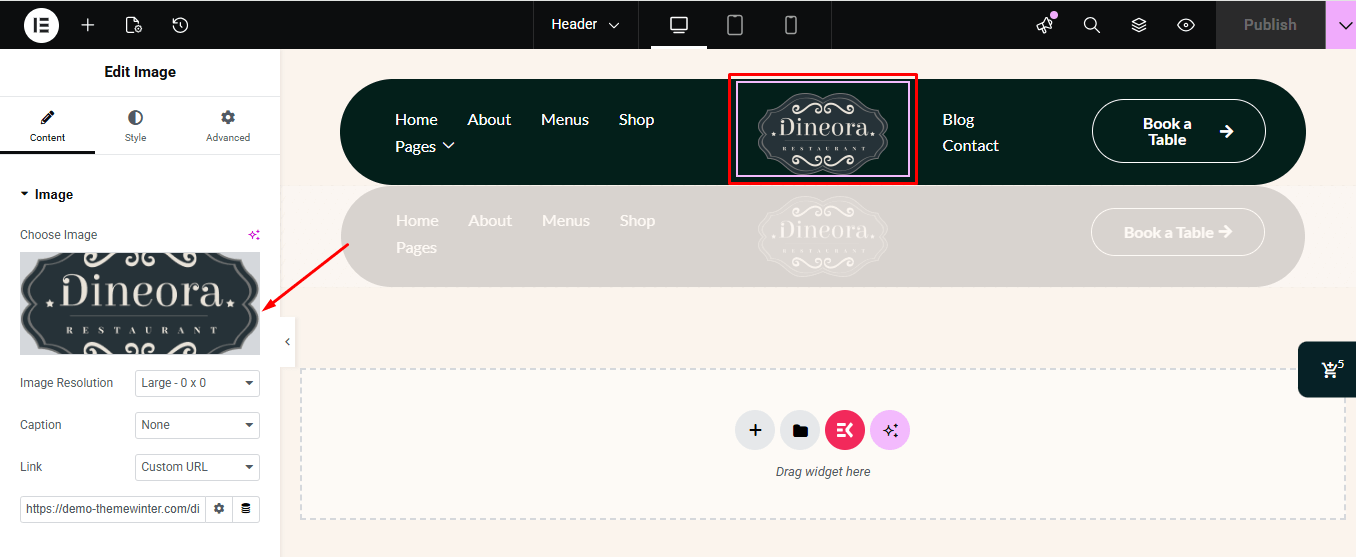
- Elementor will open the header template. Here you can:
- Once Elementor opens, you can modify the menu, buttons, colors, and layout, add or remove elements as needed, and also change the logo.
- Once your changes are complete, click Update to save your customized header.
Customizing the Footer #
- Go to the Elementskit Header & Footer settings in your WordPress dashboard.
- Click on the Footer tab.
- Select the footer you want to edit and click Edit with Elementor.
- Elementor will open the footer template. Here you can:
- Once Elementor opens, you can modify the menu, buttons, colors, and layout, add or remove elements as needed, and also change the logo.
- Once your changes are complete, click Update to save your customized footer.