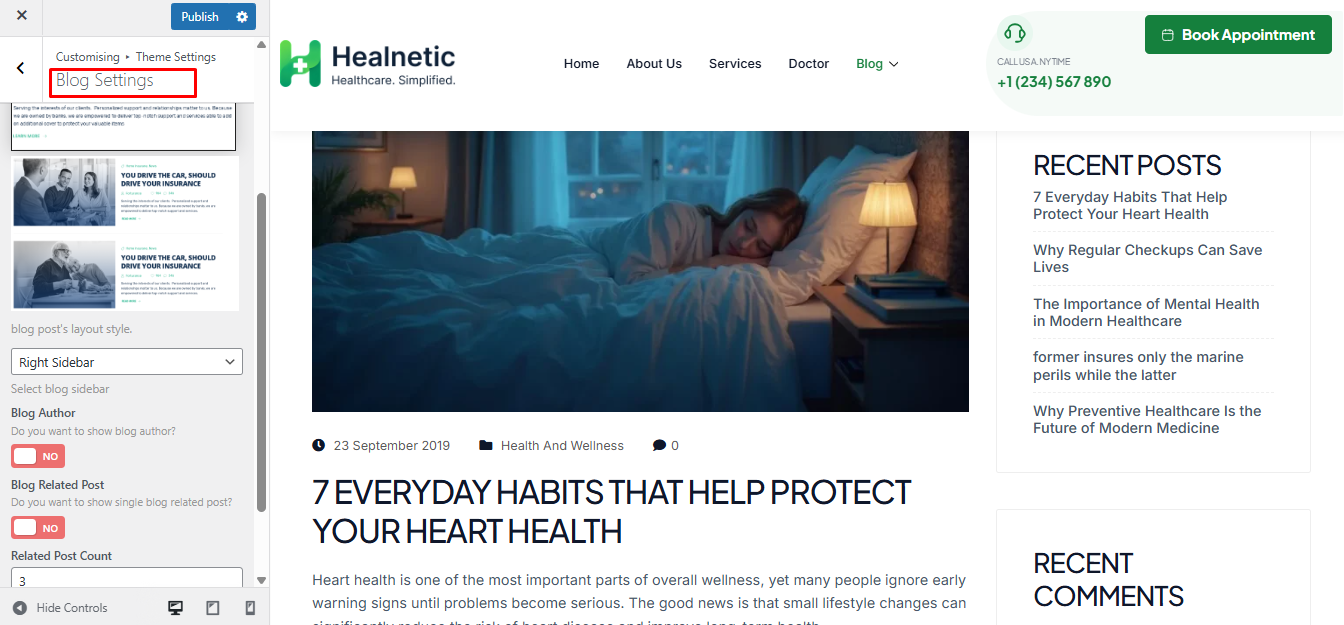
From this section, you can customize your website appearance, including banner settings, colors, typography, header styles, footer layouts, and other theme customization options.
Navigate to Appearance > Customize for the theme’s customizer settings.
Style Settings #
From Appearance-> Customize->Theme settings-> Style Settings, you can change the body background color, body text color, font family, font size, and also heading fonts, etc.
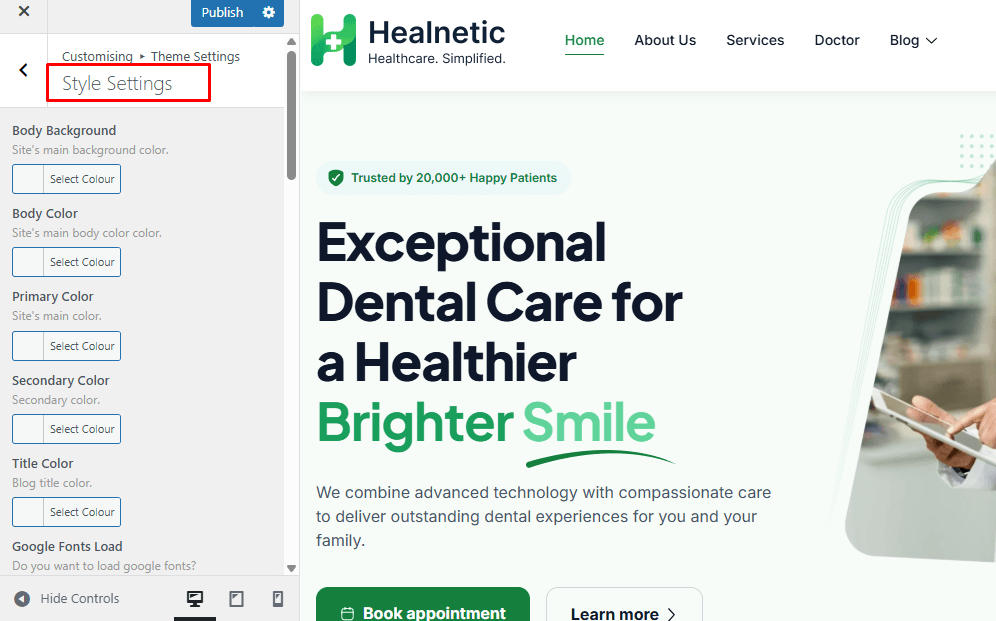
Banner Settings #
From Appearance-> Customize->Theme settings-> Banner Settings, you can change the banner title and background, and enable/disable breadcrumbs for pages, blog pages, and shop pages.
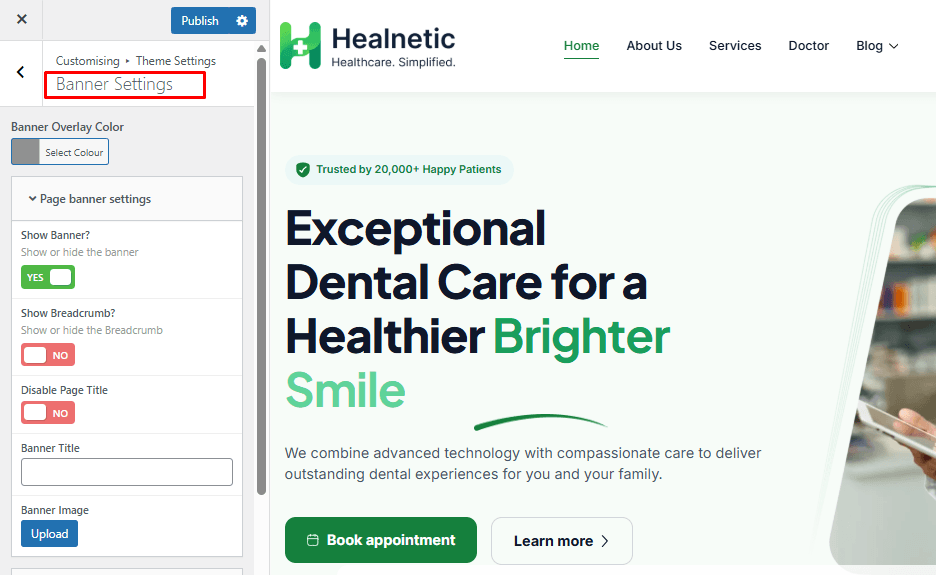
Blog Settings #
From Appearance-> Customize->Theme settings-> Blog Settings, you can change the blog archive page sidebar position.
The blog single pages author show/hide and speakers schedule sorting option can be set from here.