In Healnetic, services help you define what you offer to your customers, such as consultations, treatments, or appointments. Each service can be fully customized with duration, pricing, assigned doctors, and availability. To manage services efficiently, you can create and configure them directly from the Service menu in your WordPress dashboard.
To add a new service in Healnetic, go to the Service menu from your WordPress dashboard and follow the steps below.
This is the complete documentation on how to add and configure services in detail.
Add New Service #
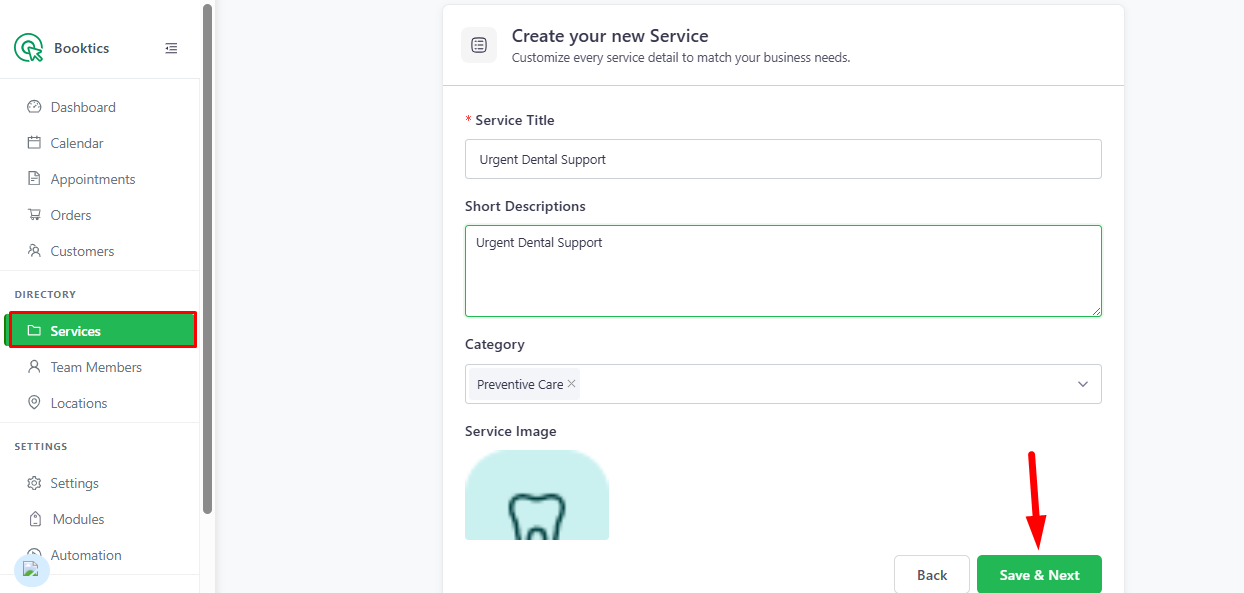
Navigate to Services and click the “+New Service” button.
Enter the basic service details: the Service Title, Short Description, Category, and Service Image to define and represent your service. After completing these fields, click Save & Next.
General Information #
After saving, you will be redirected to the General Information page, where you can configure detailed service settings.
Duration & Price #
In this section, set how your service will work:
- Duration Name
- Duration Time
- Charge Amount
- Buffer Time (Before & After)
- Multiple duration options (if needed)
- Selectable interval time for bookings
Team & Schedule #
- Assign team members (doctors or staff) to the service
- Set custom working schedules if required
- Control availability for specific services
Group Booking #
Enable group booking if multiple clients can book together and set minimum/maximum limits.
Extra Service #
Add optional add-ons such as premium or additional services:
- Extra Service Title
- Duration
- Price
- Maximum Quantity
- Description
- Connect to main services
Advanced Settings #
- Add custom fields for collecting extra information
- Enable Google Meet auto-link for online appointments
Service List #
All created services will appear in the Service List, where you can edit, update, or delete them anytime.
How to Show Services on the Frontend #
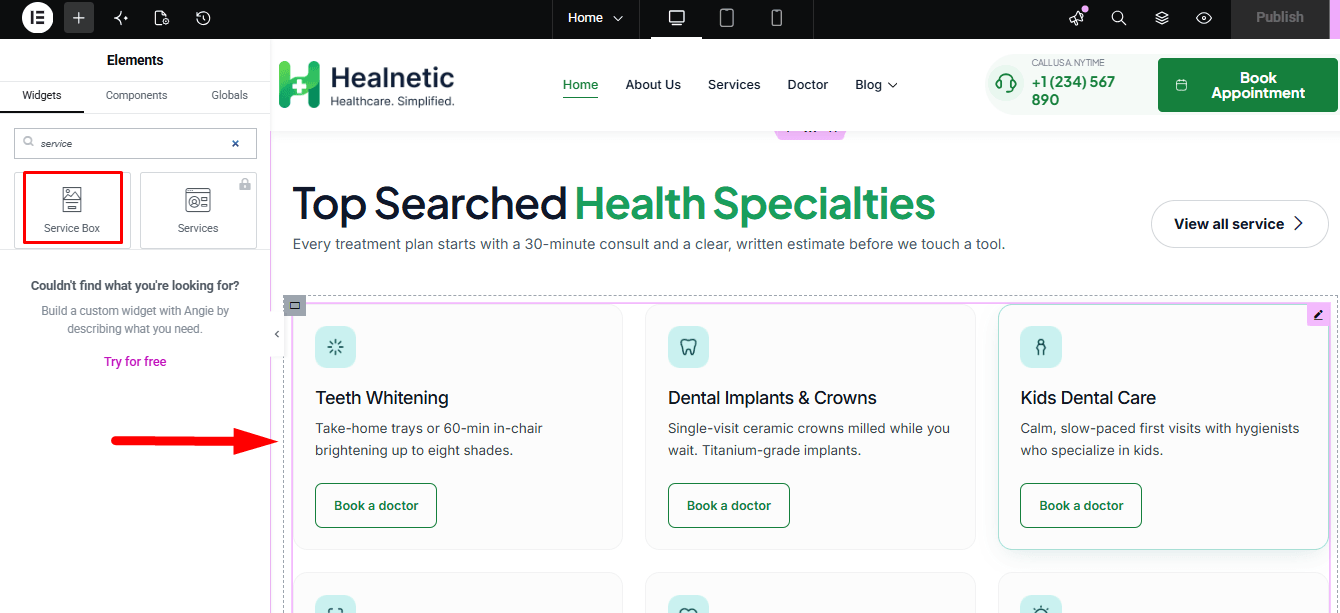
To display services on the frontend, edit the page with Elementor and add the Service widget or shortcode to the desired section. From there, you can customize the layout, design, and display settings to showcase your services properly on the website.