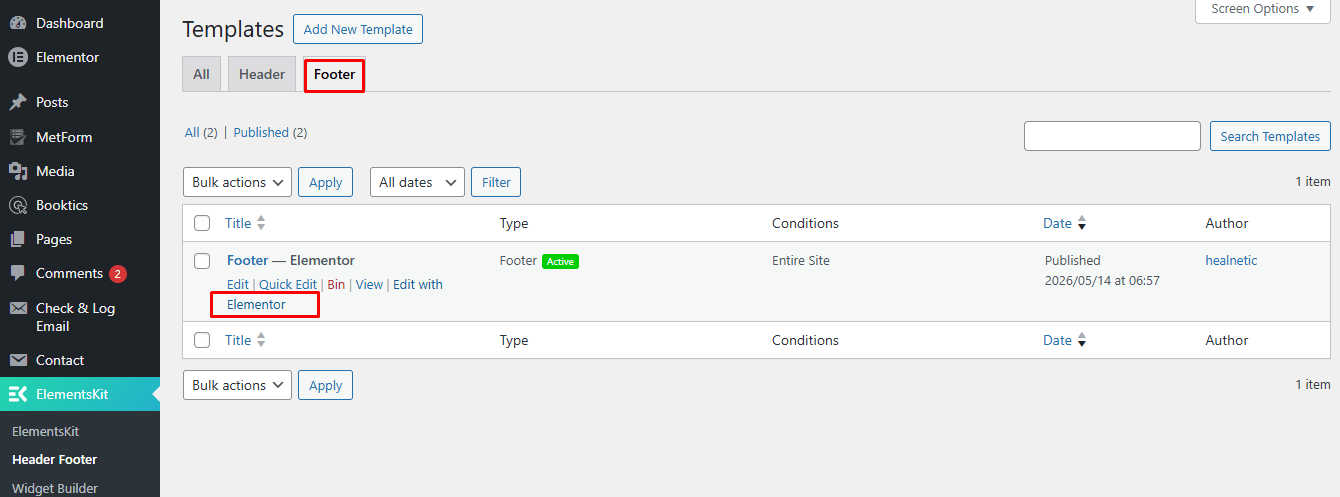
Healnetic uses the Elementor Header Footer Builder from ElementsKit to create and manage website headers and footers.
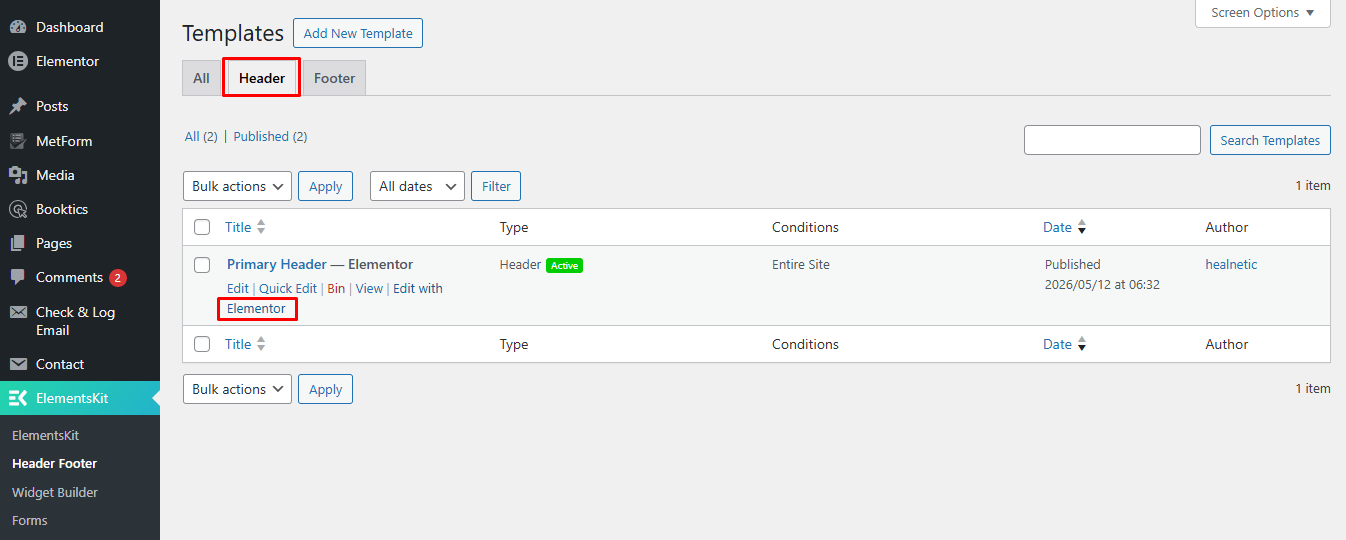
To edit the header or footer, navigate to: ElementsKit → Header Footer
From there, you can edit existing templates or create new ones using Elementor. This allows you to fully customise your website’s header and footer layouts, menus, logos, colours, and other design elements.
Header Settings #
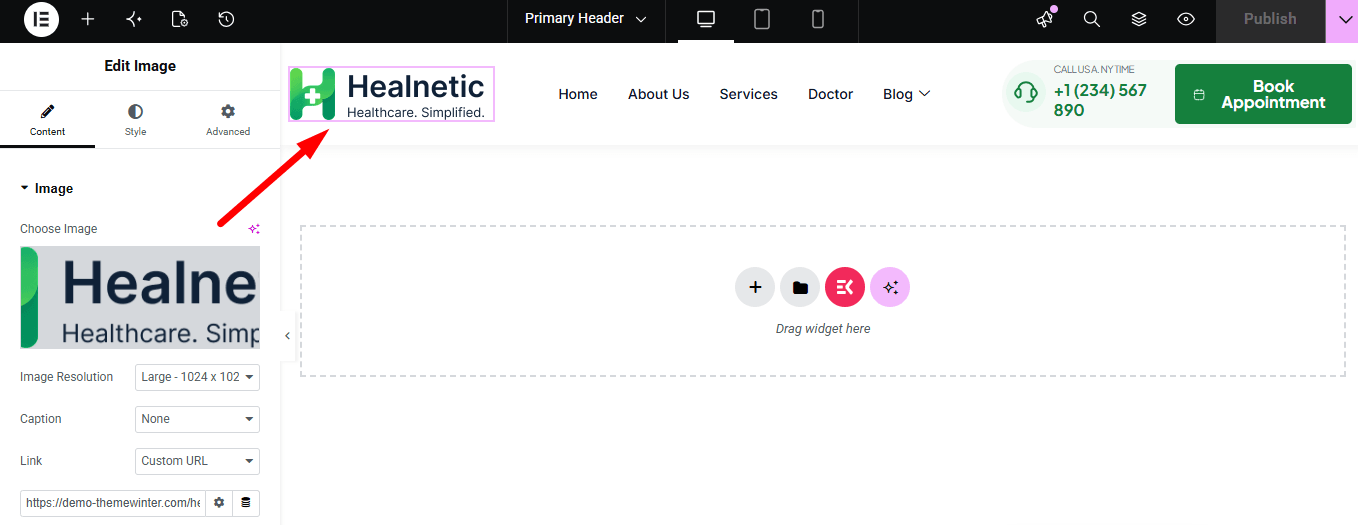
After editing, you will see the logo, navigation menu, contact number, appointment button, and other header elements. You can edit, remove, or update all these items directly from here.
Footer Settings #
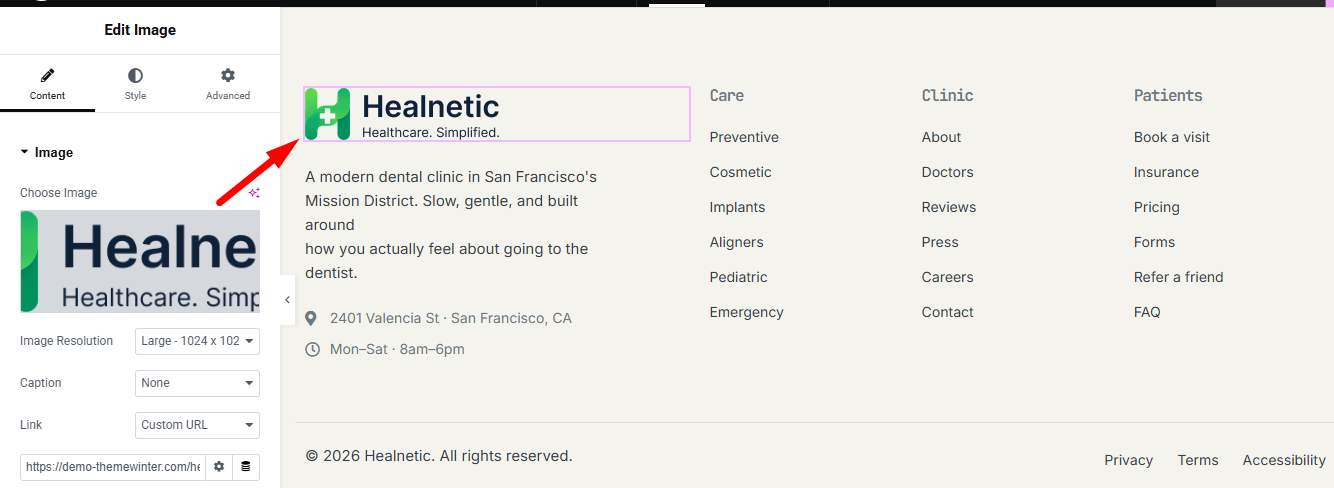
You can also change the footer logo, menus, copyright text, contact information, and other footer elements from here.