
Add New Category #
To add event categories, go to Events -> Click on the “More Actions” button -> Event categories will drop down.

Now click on“Event Categories” -> “New Category” and a pop-up will open.
Insert the category name, if you’re adding child categories, select the parent category, add a description, and click on the “Add Category” button.

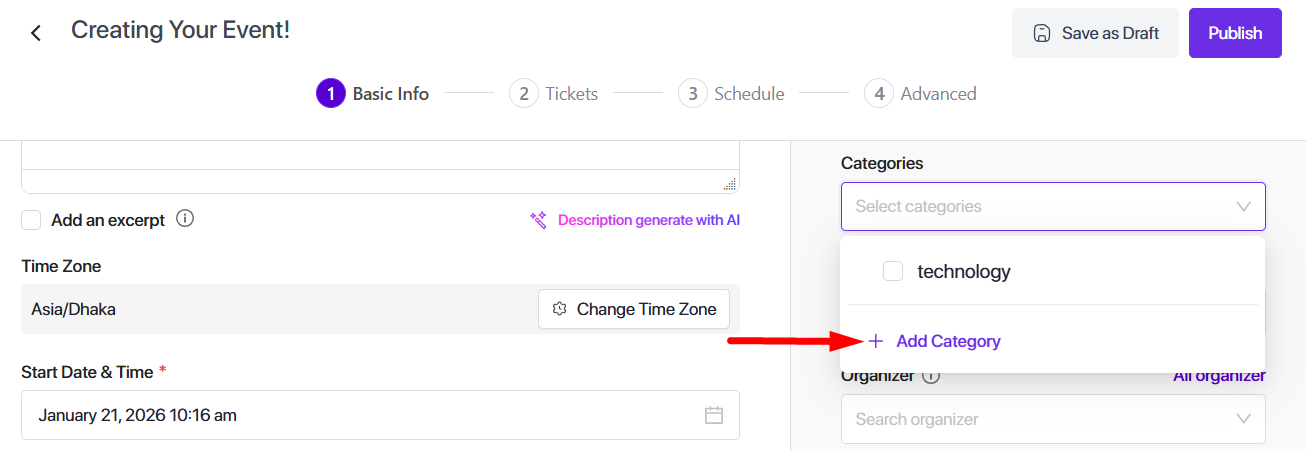
You can also add categories when you create your events.
Add New Tags #
To add event tags, go to Events -> Click on the “More Actions” button -> Event tags will drop down.

Now click on“Event Tags” -> “New Tags,” and a pop-up will open.
Insert the tag name and add a description, and click on the “Add Tag” button.

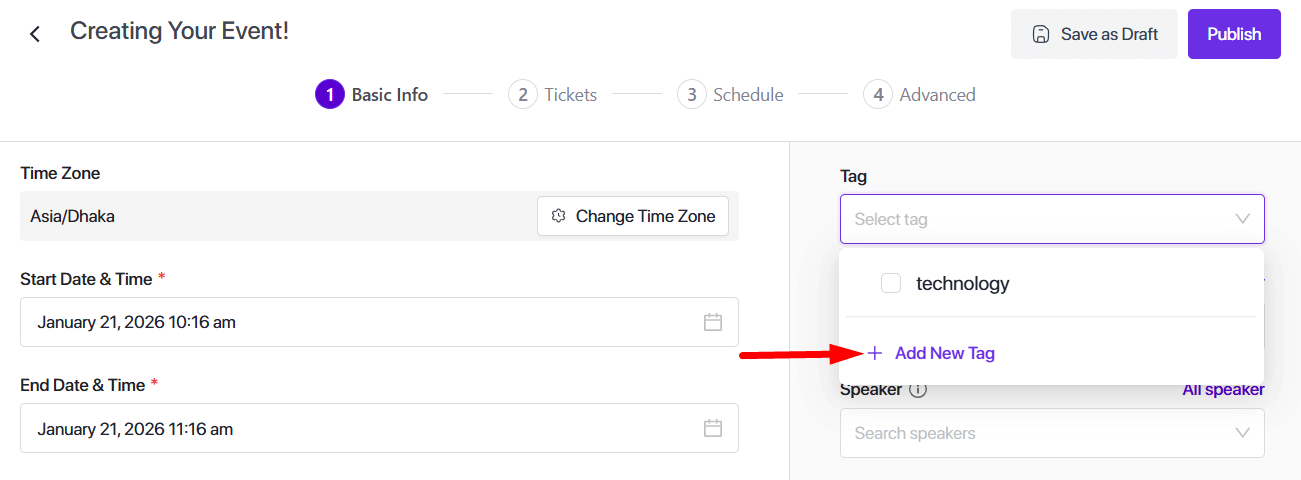
You can also add tags when you create your events.
Assign Categories & Tags on Event #
Follow the Documentation on how to assign categories and tags to your events.


