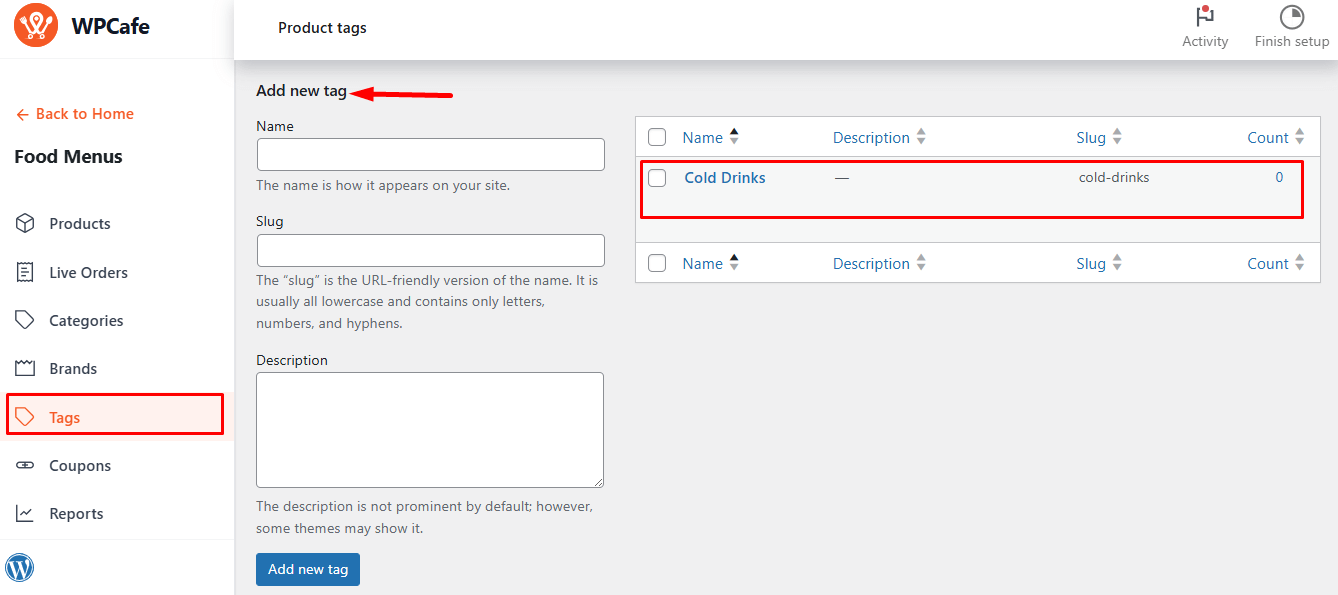
In WPCafe, you can assign tags to your food items. By doing this, your products will be easily searchable and filterable by tag, helping customers quickly find items by category or type.
Navigate to Food Menu → Product Tags → Add & Manage Tags.
From there, you can add new tags or manage existing ones for your food menu.
Fields for Adding a New Tag #
- Name: Tag name.
- Description: Optional text, some themes may show it.
Click Add New Tag. It will appear on the right, where you can edit, delete, or assign it to food items.